
Next-generation email builder
Build great emails, fast
A professional visual builder for people who value their time. No designers, no coders, no digging through HTML.
Your first template in minutes.
| ||||||||
| ||||||||
| ||||||||
| ||||||||
| ||||||||
| ||||||||
|


))
))
))
))
))
))
))
))
))
))
))
Draft simplifies email coding, approvals, edits and everyday marketing work.
Change the email. Keep it in order.
Switch a product block grid from two to three columns and check the mobile version. Adjust structure, content and spacing in a single editor.
Grid settings
Rearrange the grid
Change the content layout with ready-made structures.
Edit block content
Replace text, images and links in an existing layout.
Fine-tune the mobile version
Control the available mobile settings separately.
Reuse what works. Update what’s linked.
Save the footer as a synced block. When contacts or links change, update the shared block — no need to edit every template by hand.
Editing a synced block
Only emails that use this synced block will change.
Start from an existing email
Duplicate a template for your next campaign.
Save your best blocks
Reuse ready-made elements in new emails.
Keep emails in projects
Keep related materials together.
Every brand gets its own styles and blocks.
Switching brands instantly changes the available palette, fonts and content block library.
Brand library
Colors and typography at hand
Use saved brand settings while building an email.
A dedicated library for every brand
Find the blocks you need in the selected brand’s materials.
Client materials kept separate
Keep emails and components for different clients apart.
Made with _draft
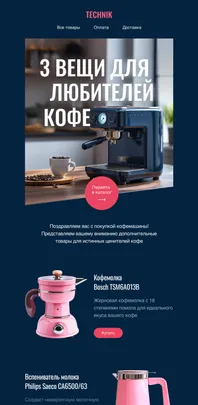
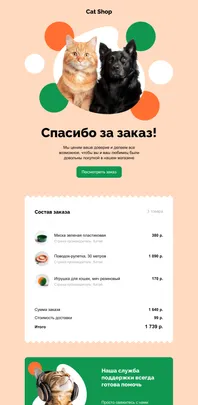
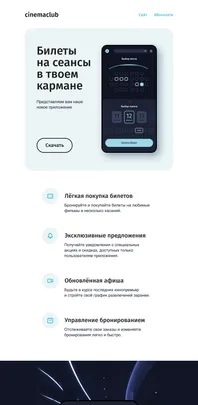
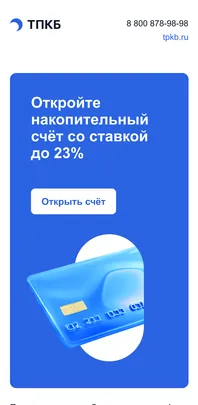
Emails built by our users
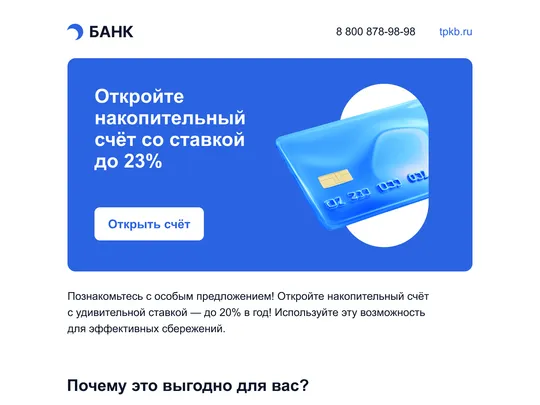
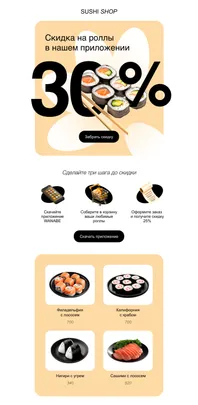
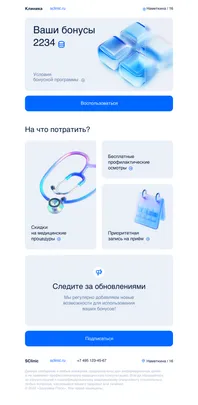

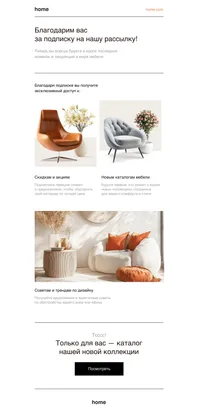
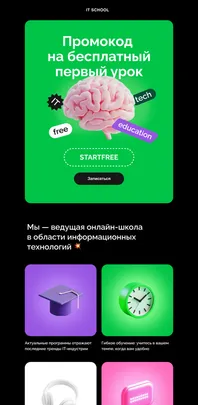


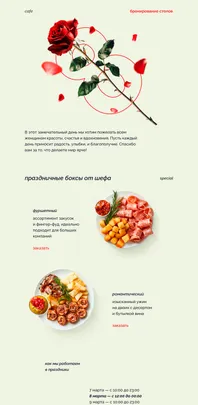
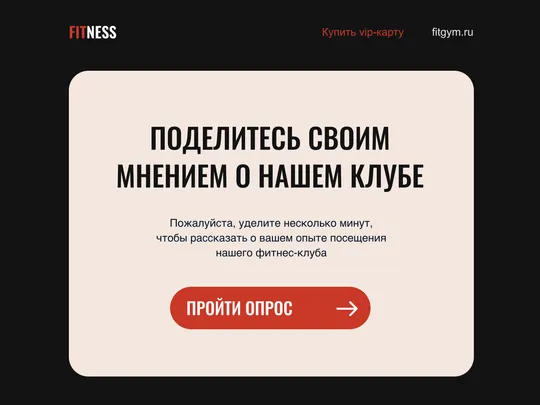




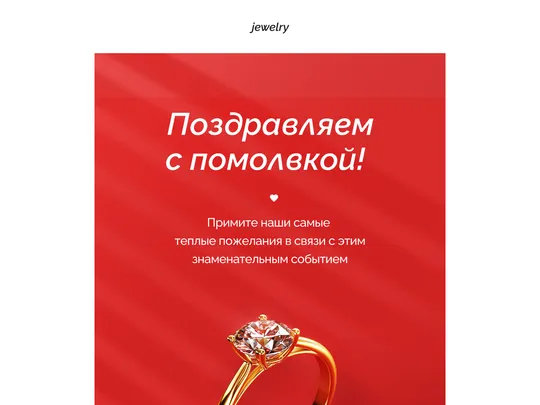

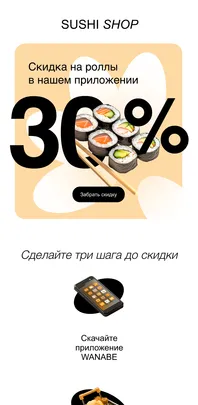
Your email is ready for your sending platform
Draft takes care of producing high-quality HTML. Sending and analytics happen in the system you already use.
Design and coding
Clean export
Email delivery
Reading emails
External system
Everything you wanted to know
Answers to common questions about the builder.
What is Draft and who is it for?
Draft is a professional visual email builder. It’s made for CRM marketers, designers and teams who want to ship quality campaigns faster without getting bogged down in email coding.
Can I export ready-to-use HTML?
Yes, it’s Draft’s core feature. You get clean, optimized HTML that you can copy manually or upload as a file to any email sending platform.
Where are emails sent from?
Emails are sent from the ESP or CDP you already use. Draft specializes in creating great content, while delivery stays with proven services you trust.
How do responsive emails work?
Draft automatically generates table-based markup compatible with all popular email clients. The editor has a dedicated mobile mode for tuning blocks specifically for phones.
What are synced blocks?
They are blocks (footer, header, menu) synced across all emails in a project. Change a link or logo in one place, and it updates automatically in every linked template.
Can I work with multiple brands?
Yes. Draft lets you create separate spaces for different brands, each with its own fonts, palettes and block libraries.
How does teamwork work?
You can invite colleagues to projects, share libraries of common blocks and set access rights to brand materials.
How good is the email code?
The output is valid, cross-platform HTML. We make sure the code renders correctly in Outlook, Gmail and on mobile devices.